
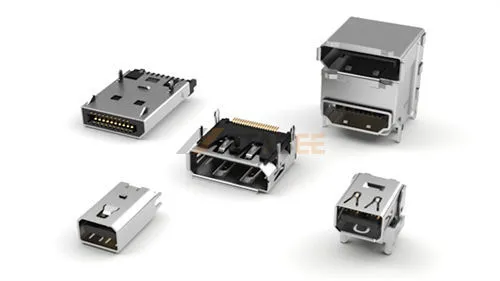
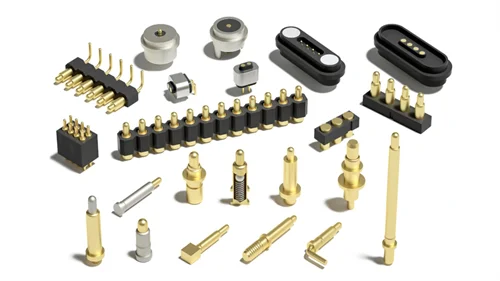
HDMI 2.1 and DisplayPort 1.4 are both high-speed digital interfaces for transmitting video and audio between a source and a display. They support high-resolution monitors, HDR, high refresh rates, and modern gaming applications.
This guide compares HDMI 2.1 and DisplayPort 1.4 from a technical and practical perspective. It focuses on 4K and 8K displays, gaming, professional monitors, home theater, and multi-display systems. We hope to help you select the correct transport layer for your application by evaluating both standards.
Introduction
Why Compare HDMI 2.1 and DisplayPort 1.4?
Although newer standards such as HDMI 2.2 and DisplayPort 2.1a are now available, HDMI 2.1 and DisplayPort 1.4 remain important specifications for many existing displays, graphics cards, TVs, gaming devices, and connector applications. This comparison focuses specifically on these two standards to help readers understand their technical differences and application requirements.
What Is HDMI 2.1
HDMI 2.1 is a major update to the HDMI specification that increases maximum bandwidth from 18 Gbps in HDMI 2.0 to 48 Gbps. The specification introduces Fixed Rate Link (FRL) signaling for higher-bandwidth video transmission. FRL replaces the older TMDS approach used for HDMI 2.0 and earlier high-speed modes.
HDMI 2.1 supports formats including 4K at 120 Hz and 8K at 60 Hz. It also supports resolutions beyond 8K for specialized applications. Not every HDMI 2.1 device supports every HDMI 2.1 feature. Manufacturers may implement only selected features of the specification.
Key Features
- 48 Gbps maximum bandwidth
- FRL signaling
- 4K resolution at up to 120 Hz
- 8K resolution at up to 60 Hz
- Dynamic HDR support
- Enhanced Audio Return Channel (eARC)
- Support for Ultra High Speed HDMI cables
Looking for HDMI 2.1 connectors for high-bandwidth applications?
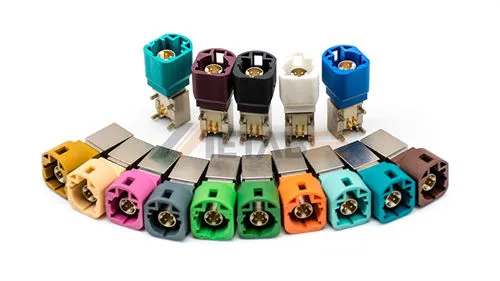
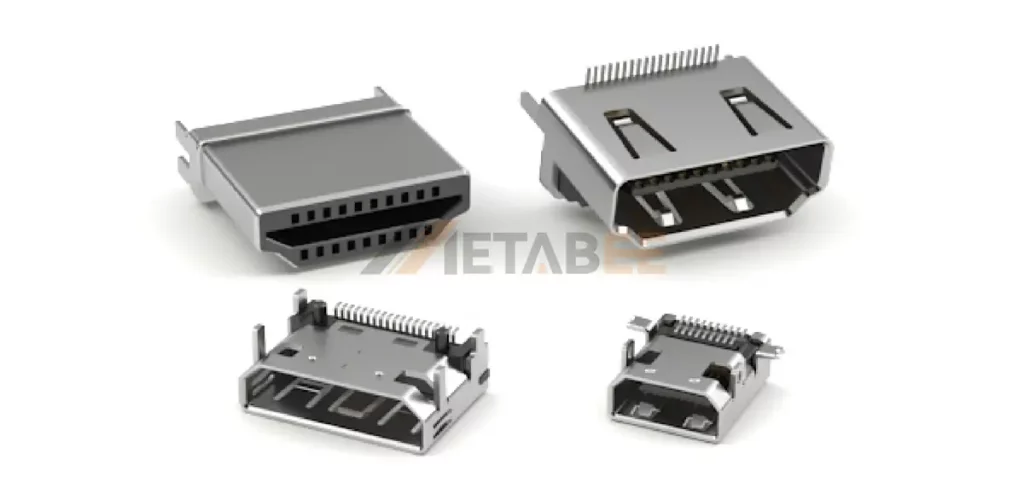
Metabee supplies HDMI 2.1 connector solutions for monitors, TVs, gaming systems, and other high-speed digital applications. Custom configurations are available for different PCB layouts and mechanical requirements.
Related Post: HDMI 1.4 vs 2.0 vs 2.1: Key Differences in Bandwidth, Resolution, and Refresh Rate
What Is DP 1.4
DisplayPort 1.4 is a VESA display interface standard introduced in 2016. It builds on the HBR3 signaling introduced with DisplayPort 1.3.
This standard retains four HBR3 lanes. Each lane operates at 8.1 Gbps, producing 32.4 Gbps of raw link bandwidth. 32.4 Gbps is the total link rate, while the usable payload bandwidth is 25.92 Gbps due to 8b/10b encoding overhead.
The major addition in DisplayPort 1.4 is support for Display Stream Compression 1.2. DSC enables higher resolutions and refresh rates without requiring a corresponding increase in physical link bandwidth.
Key Features
- 32.4 Gbps raw link bandwidth
- Four high-speed lanes
- High Bit Rate 3 (HBR3) architecture at 8.1 Gbps per lane
- Display Stream Compression (DSC 1.2)
- HDR metadata transport
- Multi-Stream Transport (MST)
- Forward Error Correction (FEC)
Need the DisplayPort connectors for high-speed display applications?
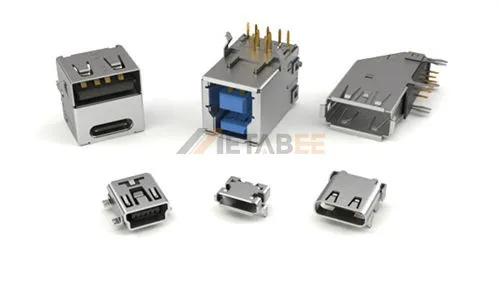
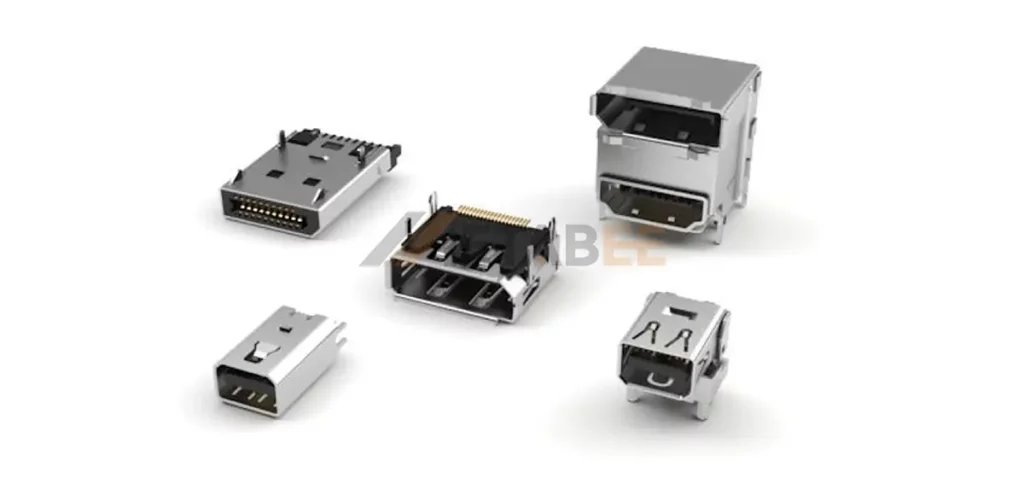
Metabee supplies DisplayPort connector solutions for monitors, PCs, graphics cards, workstations, and other high-resolution display applications. Multiple configurations and custom options are available to meet different PCB layouts and mechanical requirements.
View DisplayPort Connectors and contact Metabee for product recommendations, customization, and a competitive quote.
Quick comparison of HDMI 2.1 and DisplayPort 1.4
Below is a quick side-by-side comparison of HDMI 2.1 and DisplayPort 1.4 to help you understand their key differences
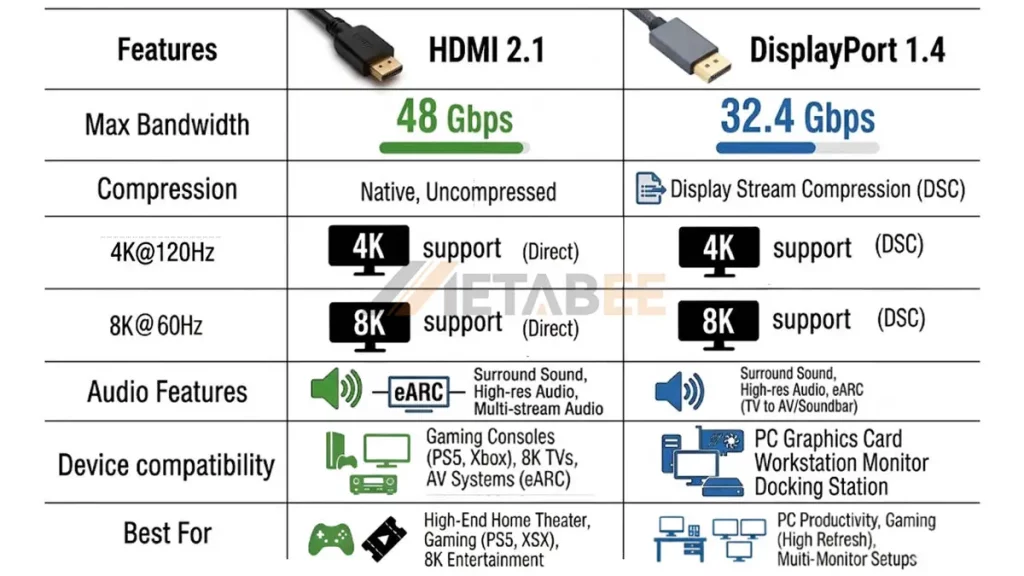
| Feature | HDMI 2.1 | DisplayPort 1.4 |
| Max Raw Bandwidth | 48.0 Gbps | 32.4 Gbps |
| Signaling | FRL | HBR3 |
| Line Encoding | 16b/18b (FRL) | 8b/10b |
| Maximum lanes | 4 FRL data lanes | 4 lanes |
| 4K 60 Hz | √ | √ |
| 4K 120 Hz | √ | √ |
| 8K 60 Hz | Supported | Supported with appropriate compression or pixel format |
| Dynamic HDR | Supported | HDR metadata transport |
| DSC | DSC 1.2a | DSC 1.2 |
| eARC | √ | × |
| Variable refresh | VRR | Adaptive-Sync |
| MST | √ | × |
| Multi-Display | Point-to-point only | Multi-Stream Transport (MST) daisy chaining |
| USB Type-C Alt Mode | √ | × |
Actual resolution and refresh-rate capability depend on the source, display, color format, bit depth, compression, and implementation.
The table describes interface-level capabilities. Actual product specifications can differ because manufacturers select which features and modes to implement.
HDMI 2.1 vs DisplayPort 1.4: Technical Comparison
Bandwidth
Bandwidth is one of the most important differences between HDMI 2.1 and DisplayPort 1.4.
HDMI 2.1 reaches 48 Gbps through FRL. Under FRL mode, HDMI 2.1 operates across 4 lanes at data rates up to 12 Gbps per lane. Its 16b/18b encoding yields an overhead of only 11.1%, leaving 42.66 Gbps for actual pixel transmission.
DisplayPort 1.4 reaches 32.4 Gbps using four HBR3 lanes. DisplayPort 1.4 relies on HBR3, delivering 8.1 Gbps across four differential pairs. Because DP 1.4 uses legacy 8b/10b line coding, 20% of its raw channel capacity is lost to protocol overhead. This caps the usable data rate at 25.92 Gbps.
So HDMI 2.1 provides higher raw physical throughput than DP 1.4. However, bandwidth alone does not determine the maximum practical display mode.
For engineering calculations, always distinguish between link rate, payload bandwidth, and the bandwidth required by the selected video format.
Resolution & Refresh Rate
Resolution and refresh rate determine the raw pixel throughput of a display interface.
4K at 60 Hz requires far less bandwidth than 4K at 240 Hz. Likewise, 8K at 60 Hz requires roughly four times as many active pixels per frame as 4K at 60 Hz.
| Feature | HDMI 2.1 | DisplayPort 1.4 |
| 4K @120 | Native | With DSC |
| 8K@60 | Native | With DSC |
- HDMI 2.1 directly supports 4K120 and 8K60 configurations through its higher-bandwidth FRL interface.
- DisplayPort 1.4 can also support 4K120 and 8K60 with Display Stream Compression (DSC) technology. Because the uncompressed payload exceeds the link’s available bandwidth.
Actual performance depends on the complete signal chain, not the interface version alone.
Compression
- The HDMI 2.1 feature 48 Gbps FRL provides substantially higher link bandwidth than previous HDMI generations.
- DP 1.4 introduces DSC 1.2 transport, allowing visually lossless compression to support higher resolutions and refresh rates within its physical link bandwidth. VESA describes DSC as visually lossless and specifies DP 1.4 as the first DP standard to use it.
Color Depth & HDR
Color depth determines how many bits describe each color component. Common display configurations include 8-bit, 10-bit, and 12-bit output. HDR applications commonly use 10-bit output because it provides more tonal levels than standard 8-bit output.
- HDMI 2.1 supports Dynamic HDR and can transport HDR metadata alongside high-resolution video. It natively transports Dolby Vision and HDR10+ Dynamic Tone Mapping formats.
- DisplayPort 1.4 supports HDR metadata transport and high dynamic range displays. VESA also designed DSC to support high-resolution HDR applications.
HDR also depends on the entire signal chain. GPU output, monitor processing, HDR metadata, color format, and cable capability must all support the selected mode.
Gaming Features & Adaptive Sync
Both interfaces support technologies designed to synchronize display refresh with changing frame rates.
- HDMI 2.1 includes VRR, which synchronizes display refresh behavior with the source’s frame delivery. It also includes ALLM, QFT, and QMS for specific gaming and media scenarios.
- DisplayPort 1.4 also supports adaptive synchronization technologies used by PC graphics systems. The specific implementation depends on the GPU, monitor firmware, and synchronization technology.
For PC gaming, these two interfaces are both suitable for high-refresh monitors. But some manufacturers prefer to expose DisplayPort as its primary. DisplayPort can integrate into PC graphics workflows and can support advanced modes through DSC.
Check whether the GPU, monitor, driver, and selected connection mode support the required adaptive-sync range.
Connector & Cable
HDMI and DisplayPort use different physical connectors.
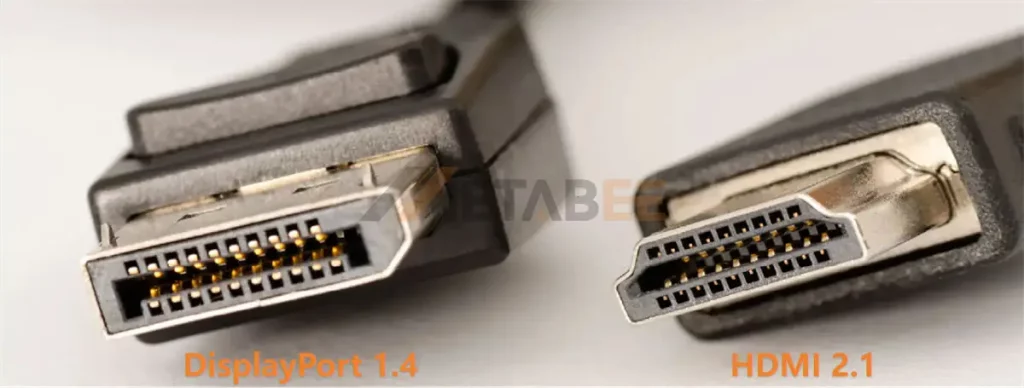
- HDMI 2.1 uses the familiar type-a 19-contact interface. It is common on TVs, AV receivers, game consoles, graphics cards, and monitors.
- The full-size DisplayPort connector uses 20 contacts with a mechanical latch that helps prevent accidental cable removal.
Cable selection also matters.
- For systems requiring up to 48 Gbps, HDMI 2.1 applications require an Ultra High Speed HDMI cable.
- For DisplayPort 1.4 HBR3 systems, use a cable rated for the required HBR3 data rate. VESA introduced the DP8K certification for cables verified to support HBR3.
For professional installations, engineers should evaluate cable length, shielding, connector construction, insertion cycles, signal integrity, and certification requirements.
Audio & Home Theater
HDMI has a clear architectural advantage in consumer AV systems.
- HDMI 2.1 supports Enhanced Audio Return Channel, or eARC. This makes HDMI particularly relevant for connections between televisions, AV receivers, soundbars, and game consoles.
- DisplayPort also transports digital audio. However, DisplayPort does not provide an equivalent HDMI eARC function for returning television audio to an AV receiver or soundbar.
Multi-Display Support
Multi-display architecture is one area where DisplayPort 1.4 offers a distinct feature advantage.
- DisplayPort includes Multi-Stream Transport, or MST. MST can transport multiple independent audio and video streams through one DisplayPort connection.
- HDMI does not provide the same native MST architecture.
For desktop workstations, digital signage, control rooms, and docking stations, DisplayPort’s packet-based architecture can therefore simplify multi-display design.
Device Compatibility & Applications
Device compatibility often determines the practical interface choice before bandwidth does.
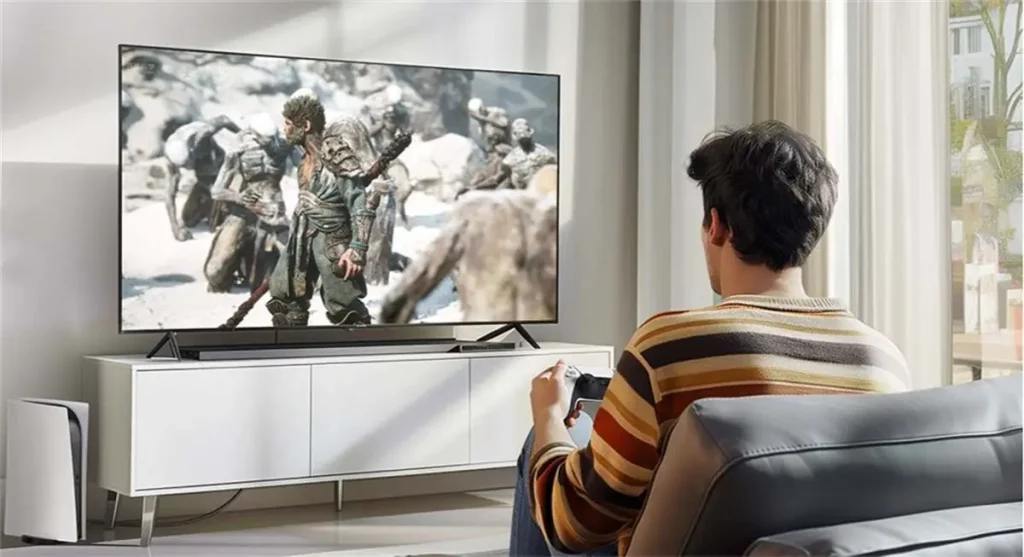
HDMI 2.1 is commonly used for:
- 4K and 8K televisions
- Game consoles
- AV receivers
- Home theater systems
- Streaming equipment
HDMI 2.1’s combination of 4K 120 Hz, 8K 60 Hz, VRR, ALLM, and eARC fits these environments well.
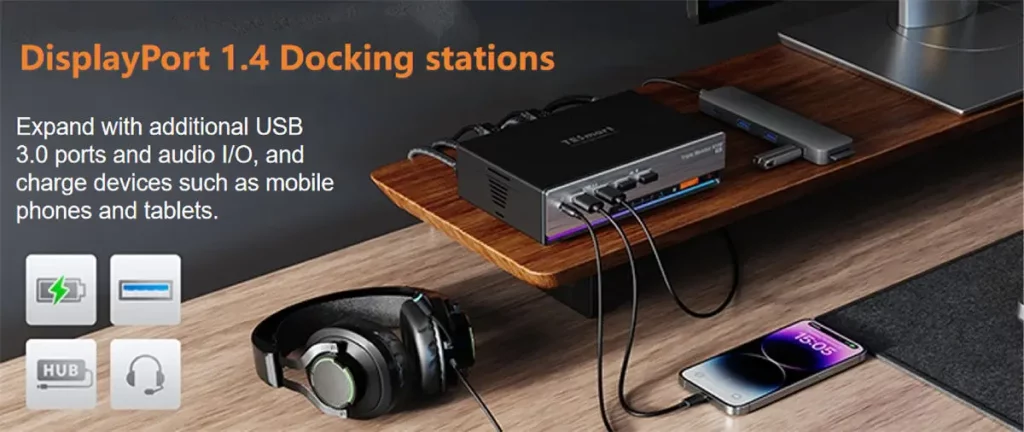
DisplayPort 1.4 is commonly used for:
- Desktop graphics cards
- Gaming monitors
- Workstations
- Docking stations
- Multi-monitor systems
- USB Type-C display connections
DisplayPort’s MST architecture and USB Type-C Alt Mode support make it particularly useful in productivity and workstation environments.
Summary
The HDMI 2.1 dominates raw throughput and living-room entertainment, while DisplayPort 1.4 remains a versatile staple for high-refresh PC workstations and multi-monitor setups.
HDMI 2.1 vs DisplayPort 1.4: Pros and Cons
HDMI 2.1 Advantages:
- Higher maximum link bandwidth: HDMI 2.1 reaches 48 Gbps, giving it more link capacity than DP 1.4’s 32.4 Gbps.
- Strong 4K high-refresh support: 4K at 120 Hz is an important HDMI 2.1 operating mode for gaming and consumer displays.
- Strong 8K support: HDMI 2.1 supports 8K 60 Hz under compatible configurations.
- Home theater features: VRR, ALLM, QFT, QMS, and eARC make HDMI 2.1 well suited to integrated AV systems.
- eARC support: eARC simplifies high-bandwidth audio connectivity in home-theater systems.
- Broad consumer device compatibility: HDMI remains common across TVs, consoles, AV receivers, and other consumer equipment.
HDMI 2.1 Considerations:
- Friction-fit connector lacks mechanical retention.
- HDMI 2.1 does not provide native DisplayPort-style MST.
- Manufacturers face licensing fees and complex compliance testing.
- Passive copper cables degrade quickly over lengths exceeding 3 meters.
DisplayPort 1.4 Advantages
- Strong PC compatibility: DisplayPort remains widely integrated into desktop GPUs and professional monitors.
- MST support: One source can transport multiple display streams through hubs or compatible daisy-chain monitors.
- DSC support: DisplayPort 1.4 introduced DSC transport, allowing demanding display formats to operate within the available link capacity.
- USB Type-C integration: DisplayPort Alt Mode allows video transport over USB Type-C in compatible systems.
- Professional display flexibility: Its packet-based architecture works well with multi-monitor and workstation configurations.
DisplayPort 1.4 Considerations:
- DP 1.4 has a lower maximum link rate than HDMI 2.1.
- High-resolution and high-refresh configurations rely on DSC technology
- Not support eARC feature for home theater audio return.
- Consumer televisions rarely integrate DisplayPort inputs.
Which Should You Choose?
There is no single interface that fits every display system.
The correct choice depends on the source device, display specifications, required resolution, refresh rate, color format, audio requirements, and multi-monitor architecture.
Choose HDMI 2.1 If
- You are connecting a gaming console to a 4K TV.
- You are building a home theater system.
- You need high-bandwidth 8K connectivity.
- You are building a home-theater system.
- You need HDMI ecosystem compatibility.
- Your workflow requires eARC support for uncompressed audio.
Compatibility should take priority over theoretical bandwidth.
A display with HDMI 2.1 inputs may be easier to integrate with an HDMI-based AV system than a DisplayPort monitor.
Choose DisplayPort 1.4 If
- You are designing a PC workstation.
- You need multiple displays from one output.
- You use USB Type-C for display output.
- You are using a high-refresh PC monitor.
- You need professional multi-display connectivity.
Not sure which HDMI or DisplayPort version fits your application?
Our technical team can help evaluate your display resolution, refresh rate, bandwidth, and connector requirements.
Please send your requirements and get a free quotation.
Conclusion
HDMI 2.1 and DisplayPort 1.4 can both support demanding 4K and 8K display applications.
HDMI 2.1 offers a higher maximum link rate of 48 Gbps, along with strong support for 4K 120 Hz, 8K 60 Hz, VRR, ALLM, QFT, QMS, and eARC. For home theater and console applications, HDMI 2.1 aligns well with the surrounding equipment ecosystem.
DisplayPort 1.4 provides a 32.4 Gbps HBR3 link, approximately 25.92 Gbps of payload, DSC support, MST, and DisplayPort Alt Mode over USB Type-C. For PC workstations, professional monitors, USB-C systems, and multi-display installations, DisplayPort 1.4 offers useful architectural features.
For either interface, engineers should evaluate the complete signal chain. Check the GPU output, monitor input, supported timing, color depth, chroma format, HDR mode, VRR range, compression support, cable specification, and cable length.
Contact us for connector customization, technical support, and application-specific recommendations. We can also provide a satisfied quotation based on your required specifications, quantities, and application.
Related Products
- HDMI 2.1 Connectors
- DisplayPort connectors
- HDMI Connectors
- Mini DisplayPort connectors
- Mini HDMI Type C Connectors
- Micro HDMI Type D Connectors
FAQ
Q1: Is HDMI 2.1 better than DisplayPort 1.4?
A: Yes, in raw bandwidth and consumer features, HDMI 2.1 outperforms DisplayPort 1.4. However, whether it is “better” for your setup depends on your hardware and use case.
Q2: Which has more bandwidth, HDMI 2.1 or DisplayPort 1.4?
A: HDMI 2.1 has higher maximum raw bandwidth. HDMI 2.1 supports up to 48 Gbps, while DisplayPort 1.4 supports up to 32.4 Gbps using four HBR3 lanes.
Q3: Can both HDMI 2.1 and DisplayPort 1.4 support 8K?
A: Yes, but the implementation differs. HDMI 2.1 supports 8K at 60Hz as part of its high-bandwidth capabilities, while DisplayPort 1.4 can support 8K at 60Hz using DSC.
Q4: Which interface is better for a 4K gaming monitor?
A: Both can support 4K gaming, but the required mode determines the practical choice.
HDMI 2.1 provides up to 48 Gbps of link bandwidth. DisplayPort 1.4 can use DSC for higher-bandwidth display modes.
Q5:Can DisplayPort work through USB Type-C?
A: Yes. DisplayPort Alt Mode allows DisplayPort video signals to travel through compatible USB Type-C connections.
Q6: Does DisplayPort 1.4 support multiple monitors?
A: Yes. DisplayPort 1.4 supports Multi-Stream Transport, which can carry multiple display streams through a single connection.
Q7: What cable should I use for HDMI 2.1?
A: For applications requiring the full 48 Gbps capability of HDMI 2.1, an Ultra High Speed HDMI Cable is specified. Look for the appropriate certification labeling rather than relying only on informal terms such as “8K HDMI cable.
Q8: What cable should I use for DisplayPort 1.4?
A: For high-bandwidth HBR3 applications, use a cable rated for HBR3. VESA introduced the DP8K certification for cables verified to support the 8.1 Gbps-per-lane HBR3 rate.
